
Paying an Invoice
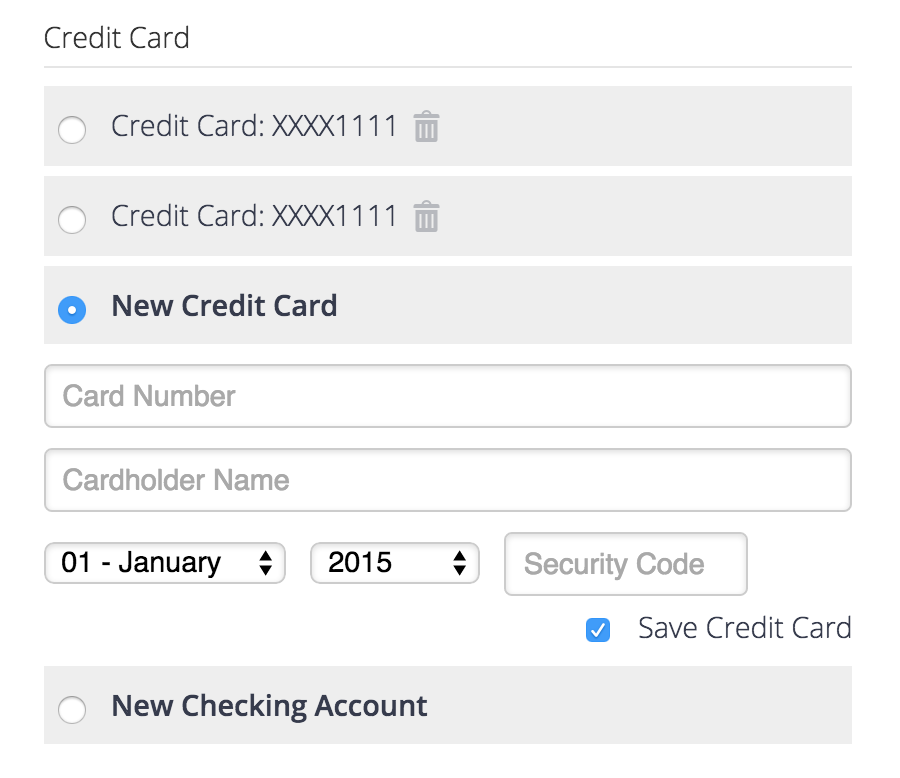
Client will have the ability to select from any save payment profiles or add new payment profiles when paying an invoice. This includes an option to add a bank transfer as a payment option.

The client will need to approve for their payment profile to be used automatically in the future.
Notes: The latest payment profile used (with terms accepted) will be the default. Clients can switch their default payment method on the payment dashboard (see below).
Automatically Charge

Anytime an invoice is created (via the API, admin, or an import) and this option is set for the client that the invoices was created for than a payment will be automatically attempted.
Notes: If an error occurs than an SA Record is created with the type of ‘auto_payments’.
Auto Payment

This option will allow for a payment to be attempted on the invoice’s due date. A wp-cron is run to check for all overdue invoices, if the invoice has this option selected an attempt at payment is executed.
Required:
- A client with a default payment profile set.
- Invoice due dates prior to 15 days will be ignored.
Attempt Capture

Button is available if an invoice has a client assigned that has a default payment profile. Clicking will attempt a payment against the client’s default payment method. If an error is given than the error will show.
Payment Management
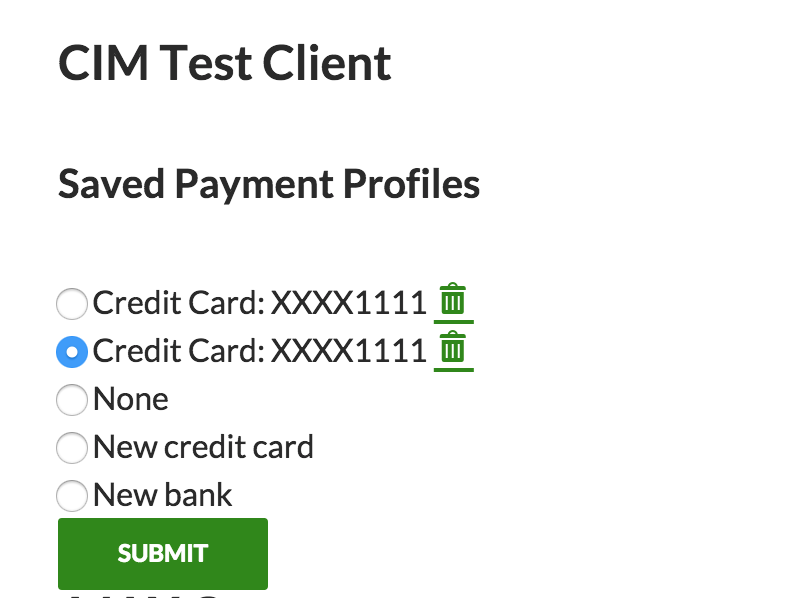
The client has the ability to manage their payment options via a dashboard that is outputted with the shortcode sprout_invoices_payments_dashboard. This can be on the client dashboard page or a different one that only logged in users can view.
Notifications
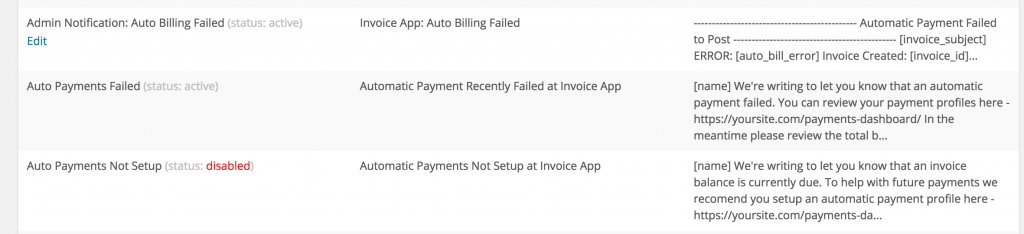
- Auto Payments Not Setup – sent to the client when an automatic payment is attempted but their profile is not setup.
- Auto Payments Failed – sent to the client when an automatic payment fails.
- Auto Billing Failed – sent to you when an automatic payment fails.