
Embeds are intentionally simple:
- Find the invoice_id (aka post_id)
- Add the appropriate shortcode (invoice or estimate) with the id attribute.
- Publish your page (or post).
The shortcodes:
sprout_invoice
sprout_estimate
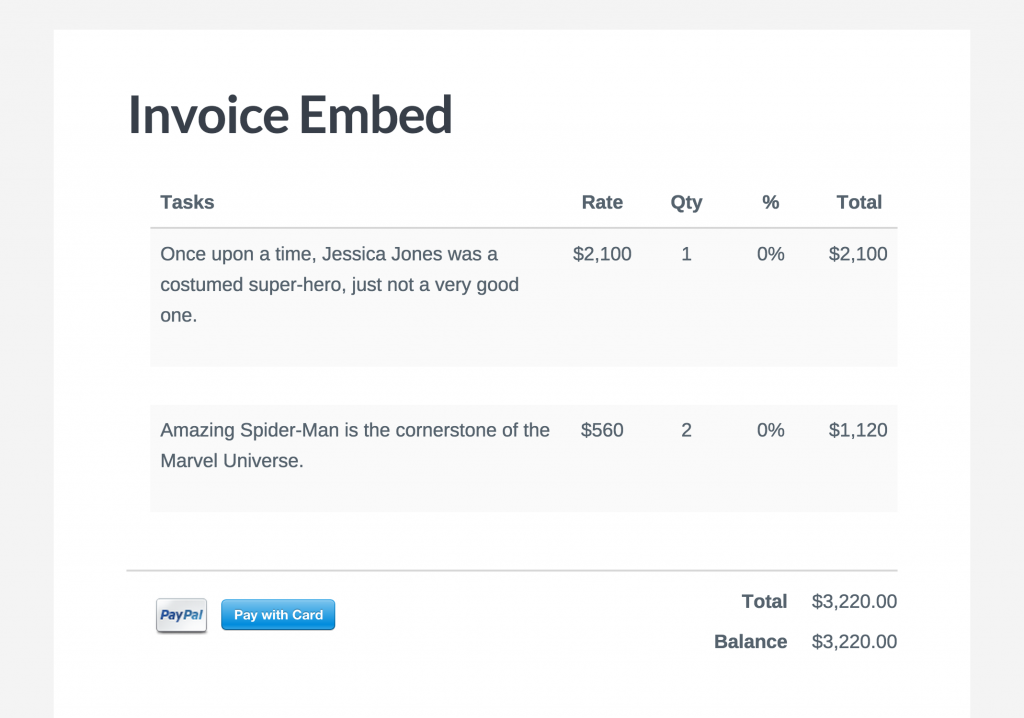
Below is an example of an invoice embed on a standard WordPress page template. The invoice_id (aka post_id) in this example is 13783, it is added to the id attribute of the shortcode…
[sprout_estimate id="13783"]
Advanced
If you leave the id attribute out of the shortcode than nothing will show, however leaving it blank will allow for an invoice to be viewable based on a query argument in the url. For example:
[sprout_estimate] is used on the page.
The url https://site.com/invoice-page-with-shortcode/?si_id=13783 would load the same invoice shown above.