
Zapier integrates with hundreds of online apps. In this example a Basecamp project will be created when a Sprout Invoices estimate is approved.
1) Use the invitation link.
Here’s an invitation link to use our Zap since it’s still in the review process.
2) “Make a new Zap”.
3) Select the trigger and action.
In this case the trigger is with Sprout Invoices and it’s when an Estimate is Accepted. The action for this example is with the Basecamp App and it is to Create a Project.
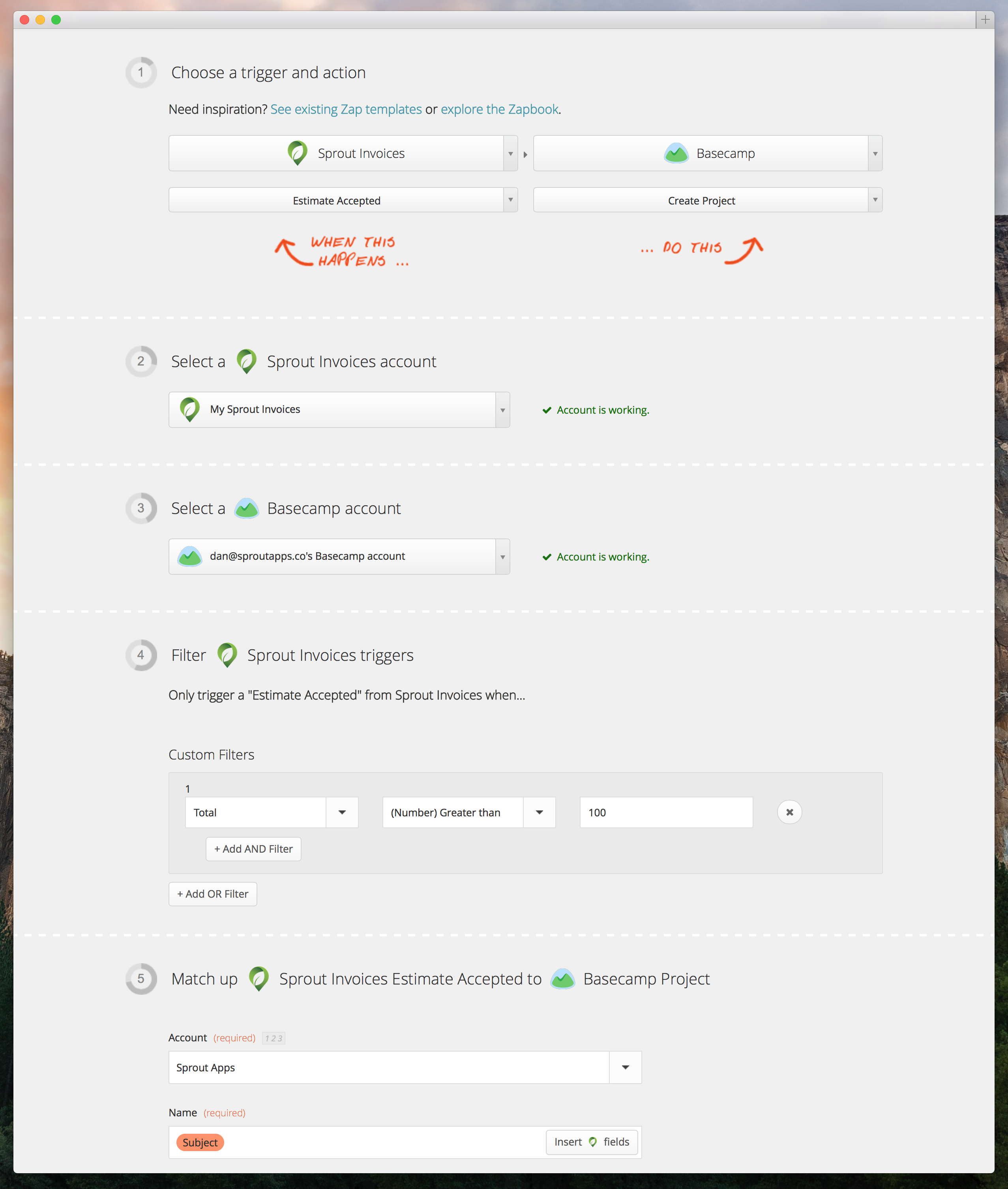
Notice in the example above that I created a filter for any estimate with a Total of over $100, since anything less is likely not a project at all and just a basic task.
4) Connect with your Sprout Invoices Install.

The API settings for the connection screen are found under General Settings.

5) Test.
After you match the fields of what Sprout Invoices sends to Zapier (which is a lot) with the new Basecamp Project than you’re all set to run a test…
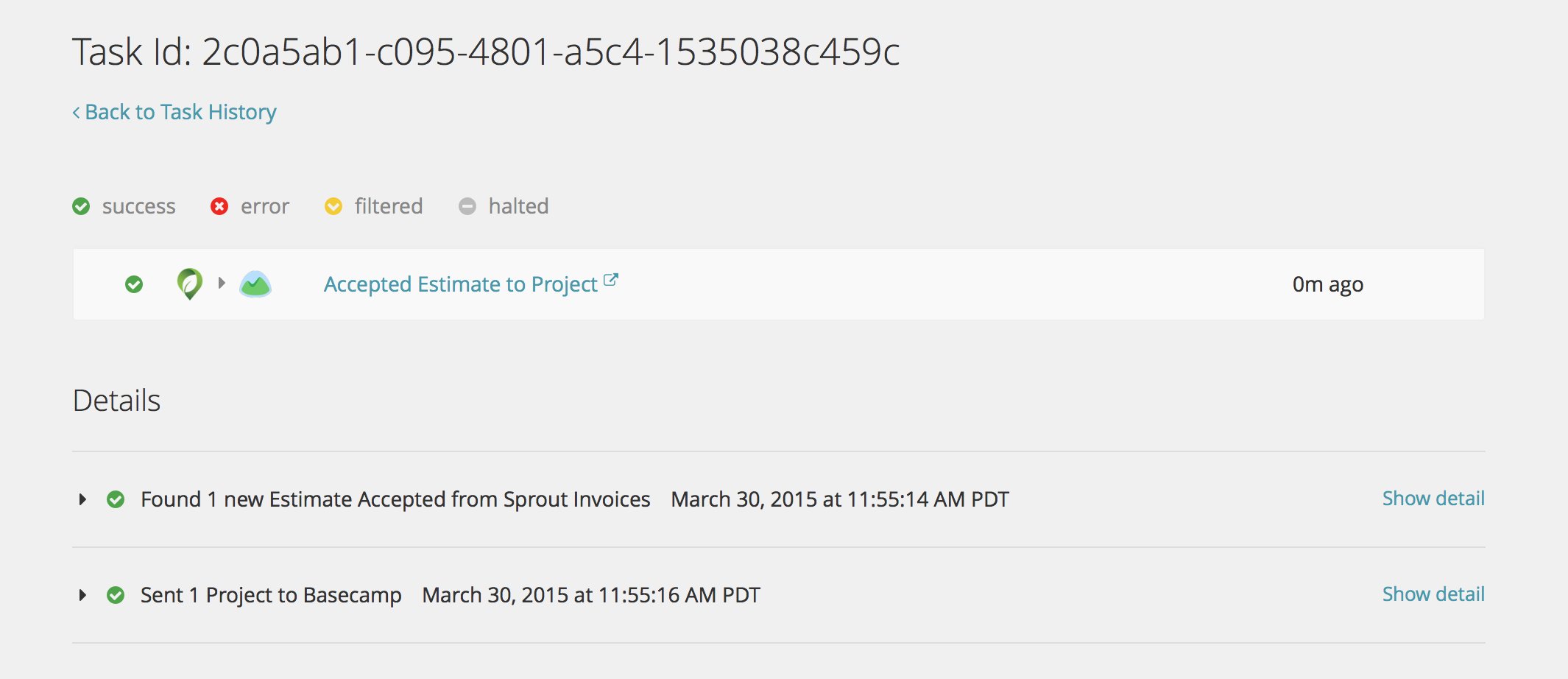
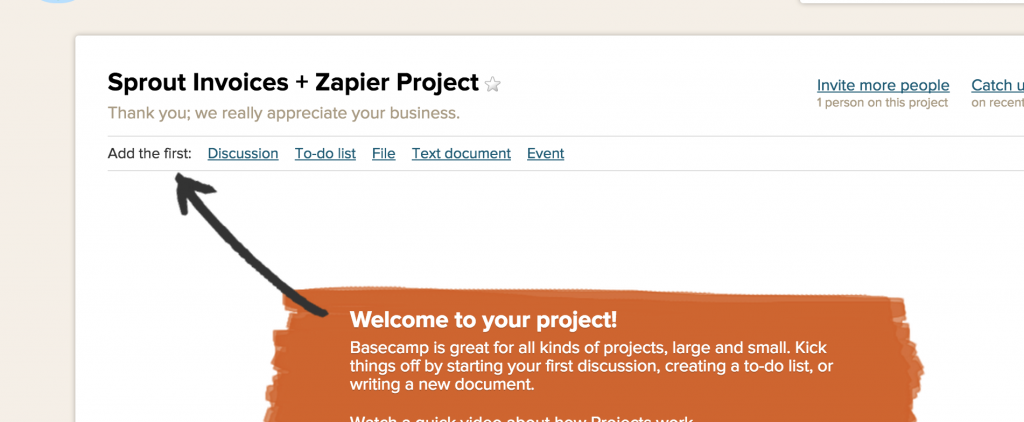
…above a test is made. It shows that the estimate information was sent to Zapier and initiated the creation of the new basecamp project.
Troubleshooting
Your API key is missing
If you entered your API key and still see this message, then it’s likely your server is running CGI/FastCGI. The workaround is to modify your .htaccess file on your server; adding the line below under RewriteBase /.
RewriteRule .* - [E=HTTP_AUTHORIZATION:%{HTTP:Authorization}]
Note that the code should be placed on the line right after the “RewriteEngine On” otherwise it won’t work.